UX (User Experience) Design is often confused with making things look pretty. In reality, it is the mathematical science of removing friction to increase your bottom line.
Key Takeaways
- UI vs. UX: UI (User Interface) is how the website looks (colors, fonts). UX (User Experience) is how the website works (navigation, flow, logic).
- The Friction Tax: Every extra click, confusing form field, or unclear button costs you money. UX design systematically identifies and eliminates these revenue leaks.
- Data, Not Opinions: Good UX is not based on what the CEO thinks "looks good." It is based on heatmaps, session recordings, and A/B testing data.
- The ROI of UX: Studies consistently show that every $1 invested in UX returns $100 in revenue (a 9,900% ROI).
When business owners hear the word "design," they think of art. They think of choosing the right shade of blue or picking a modern font. That is UI (User Interface). UX (User Experience) is entirely different. UX is engineering, psychology, and data analysis.
1. The Goal of UX: Removing Cognitive Load
Cognitive load is the amount of mental effort required for a user to figure out how to use your website. Humans are inherently lazy online. If they have to think, they leave.
UX design ensures that the user path—from landing on the homepage to completing a purchase—is so intuitive that the user doesn't even realize they are being guided.
2. Core UX Deliverables
If you hire a premium agency, they will not just hand you a colorful mockup. They will deliver structural UX documents:
- User Personas: Detailed psychological profiles of your target buyers.
- Information Architecture (IA): The structural blueprint (often a spreadsheet or flowchart) mapping out exactly how pages relate to each other.
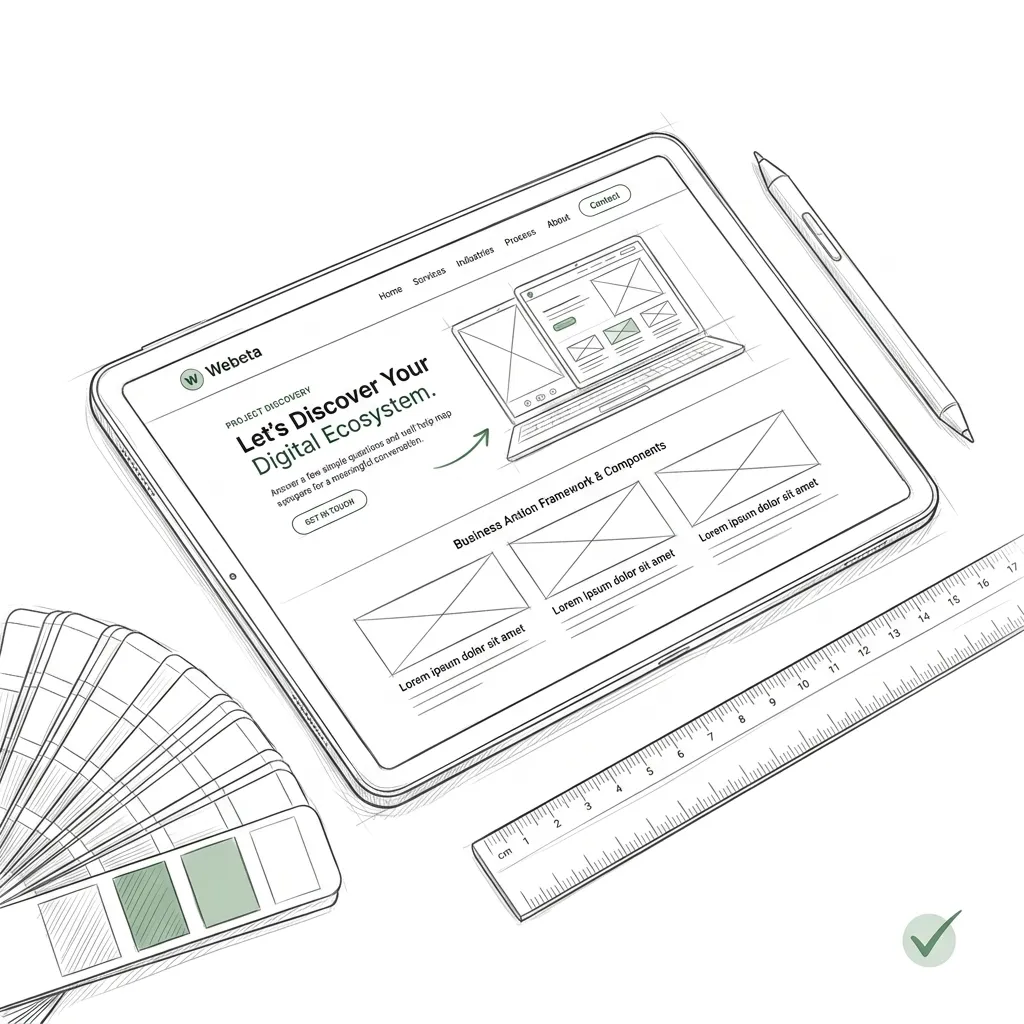
- Wireframes: Low-fidelity, black-and-white sketches that dictate where elements are placed based on logic, completely devoid of color or branding.
3. Why Business Owners Cannot Ignore UX
If you build an incredibly robust, secure, and fast backend infrastructure, but the user cannot find the "Login" button because it blends into the background, the entire project has failed.
Great UX reduces customer support costs (because the product is intuitive), increases customer retention (because it's a joy to use), and maximizes conversion rates (because the checkout flow is frictionless).
Are users abandoning your site?
Our UX engineers can audit your current flow and pinpoint exactly where you are losing revenue.
Conclusion: Empathy at Scale
Ultimately, UX design is simply empathy at scale. It is the process of deeply understanding your customer's frustration, anxiety, and goals, and building a digital environment that perfectly accommodates them.
Ready to build your digital ecosystem?
Let's talk strategy. We design and engineer premium platforms for industry leaders.
Start Project Discovery